Product Guide
August vs Yale Smart Locks: Retrofit or Replace the Deadbolt?
By GwayLock · Published
Compare the August Wi-Fi Smart Lock, Yale Assure Lock 2 Touch and GwayLock DS01 by installation, access methods and door measurements before selecting a sample.
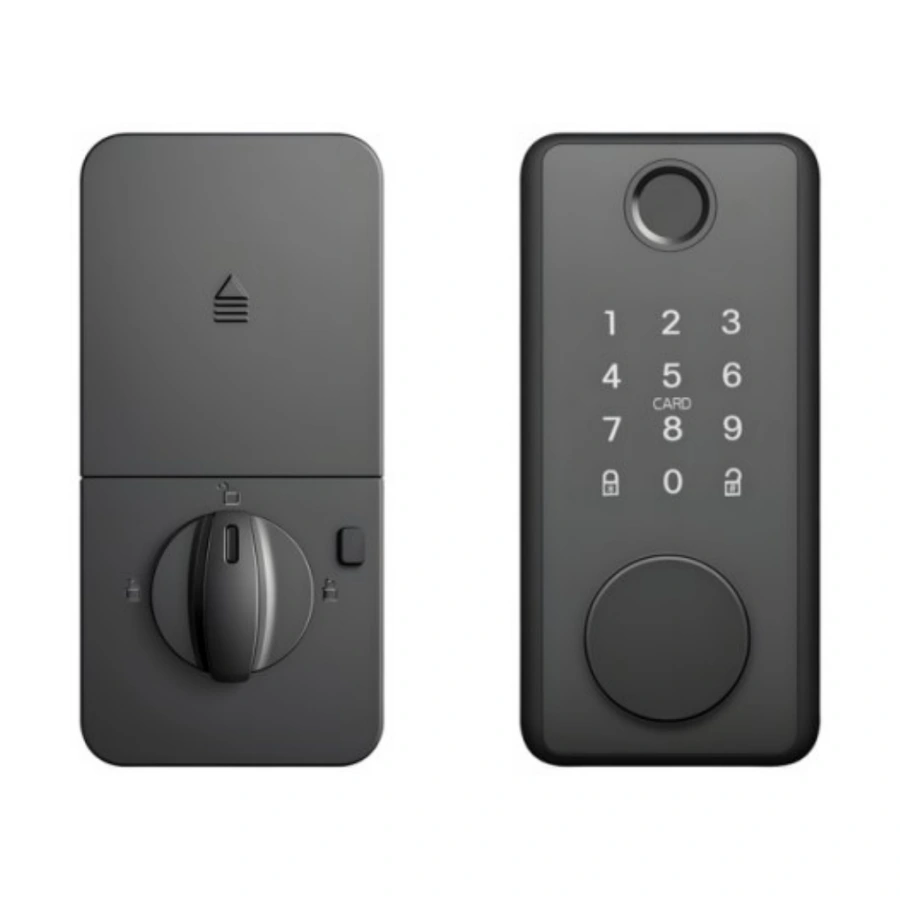
The August Wi-Fi Smart Lock fits on the inside of a compatible existing single-cylinder deadbolt. The keyed Yale Assure Lock 2 Touch with Wi-Fi replaces the deadbolt hardware and adds an exterior keypad and fingerprint reader. If the existing outside cylinder and keys must stay, start by checking retrofit compatibility. If fingerprint access must be built into the outside panel, check whether the door can accept a replacement assembly.
GwayLock publishes this comparison from the manufacturers’ product documents. DS01, shown above, is our own deadbolt platform for OEM buyers. The comparison covers published specifications and installation decisions. Validate fit and operation with the actual hardware before approving a project.
What stays on the door?
These are three specific purchase paths. Record the model code when you order a sample, especially when the same retail family is sold with different key and network options.
On small screens, swipe across the table to compare all models.
| What to compare | August Wi-Fi Smart Lock | Yale Assure Lock 2 Touch with Wi-Fi | GwayLock DS01 |
|---|---|---|---|
| Installation | Interior retrofit on a compatible existing deadbolt | Replacement deadbolt with exterior and interior hardware | Replacement smart deadbolt platform for OEM supply |
| Outside entry | Existing key cylinder stays. Keypad and fingerprint bundles are separate options. | Built-in keypad and fingerprint reader. The selected keyed SKU includes a key cylinder. | Catalogue lists fingerprint, passcode, card and key access. Confirm the ordered configuration. |
| Fit to verify | Exact existing deadbolt and inside clearance | 1⅜–2¼ in door thickness and 2⅜ or 2¾ in backset on the selected SKU. Check both bores and the strike. | 35–55 mm door thickness and 60 or 70 mm backset. Check the installation drawing and supplied hardware. |
| Power and connection | Two CR123 cells and built-in Wi-Fi | Four AA cells. This SKU includes Wi-Fi and requires a 2.4 GHz network for Wi-Fi use. | Four AA alkaline cells. Tuya Bluetooth and TTLock are separate options. Confirm the network requirements for the selected version. |
Audit one door before budgeting for a building
Start with a representative door from each hardware type in the building. Photograph the outside cylinder, inside turn, edge bore and strike. Record which mechanical keys the property team must retain and how much space is available around the interior thumbturn. A retrofit shortlist depends on the existing deadbolt model, while a replacement shortlist depends on the new template and the door preparation.
- Record door thickness, face bore, edge bore, backset and strike dimensions separately.
- For a retrofit, identify the deadbolt and confirm the adapter and clearance before purchasing multiple units.
- For a replacement, overlay the actual drilling template and check for interference with trim or a nearby handle.
- Have the installer test full bolt travel with the door open and closed. Record any strike adjustment or binding.
Test how the next resident gets access
On the installed sample, add a resident, confirm the intended entry method, revoke the credential and record what happens during an internet outage. Write down who controls the owner account, who can use the backup key and how the site team replaces batteries. If the project needs remote access or a shared management system, ask the supplier to show the workflow on the exact hardware and app version. Check the manufacturer’s regional availability before choosing a retail model for export.
Prepare a DS01 sample request
For private-label supply, send the representative door measurements, required access methods, target market and preferred app. Ask for the mounting drawing and a written list of the supplied parts and configuration. The sample record can then be used to check the same assembly when a bulk order arrives.
Sources and scope
Product information follows the referenced catalogue pages. Confirm the selected configuration and installation before ordering.
External references explain general principles, test scopes or products from other manufacturers. They do not establish performance, compatibility or certification for the selected GwayLock model.
Keep reading
Related Articles
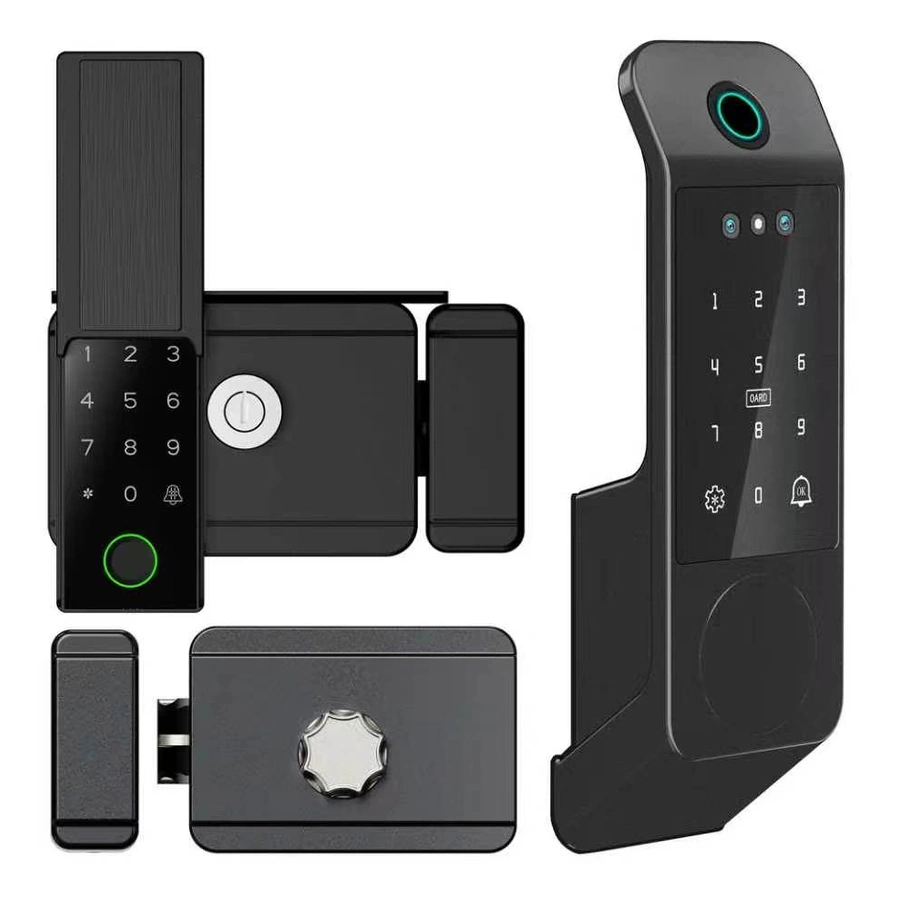
Lockey SUMO GL2 vs Locinox VOLTA: Outdoor Gate Lock Comparison
Compare mechanical and battery-powered outdoor gate access with LockeyUSA SUMO GL2, Locinox VOLTA and the GwayLock T1 rim-mounted smart lock.
Nov 7, 2026
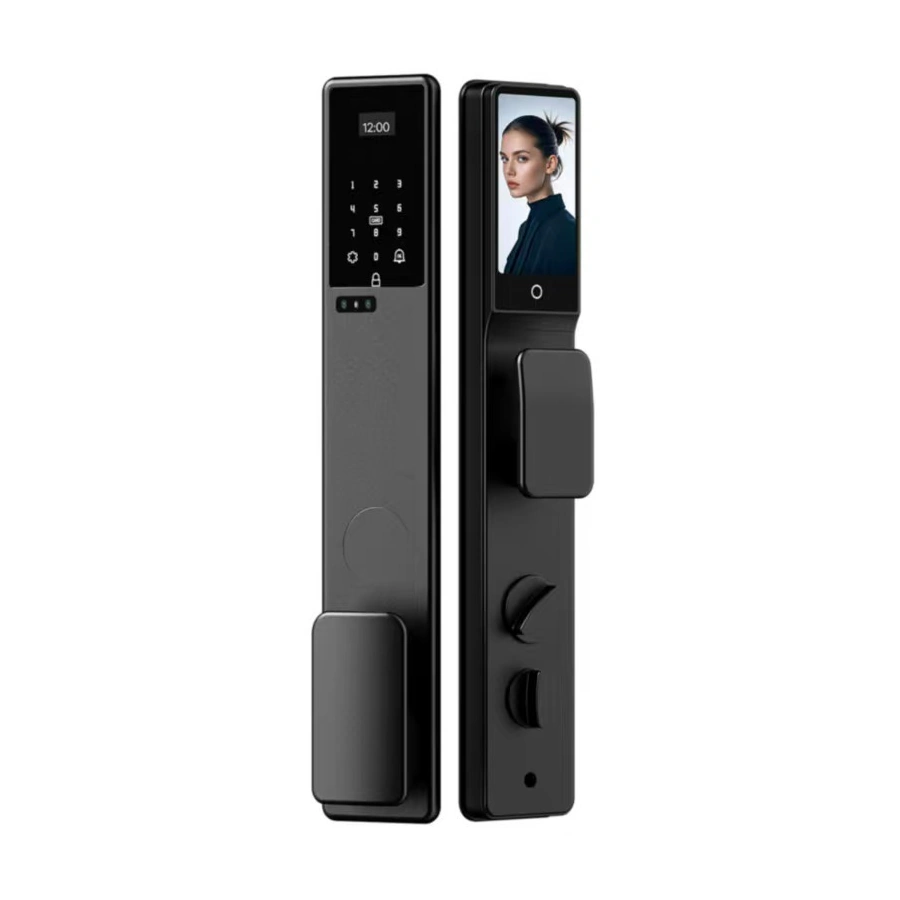
Fully Automatic vs Semi-Automatic Smart Locks
Compare motor-driven operation, user-operated handles and automatic relocking. Separate marketing labels from the actions a smart lock actually performs.
Oct 30, 2026
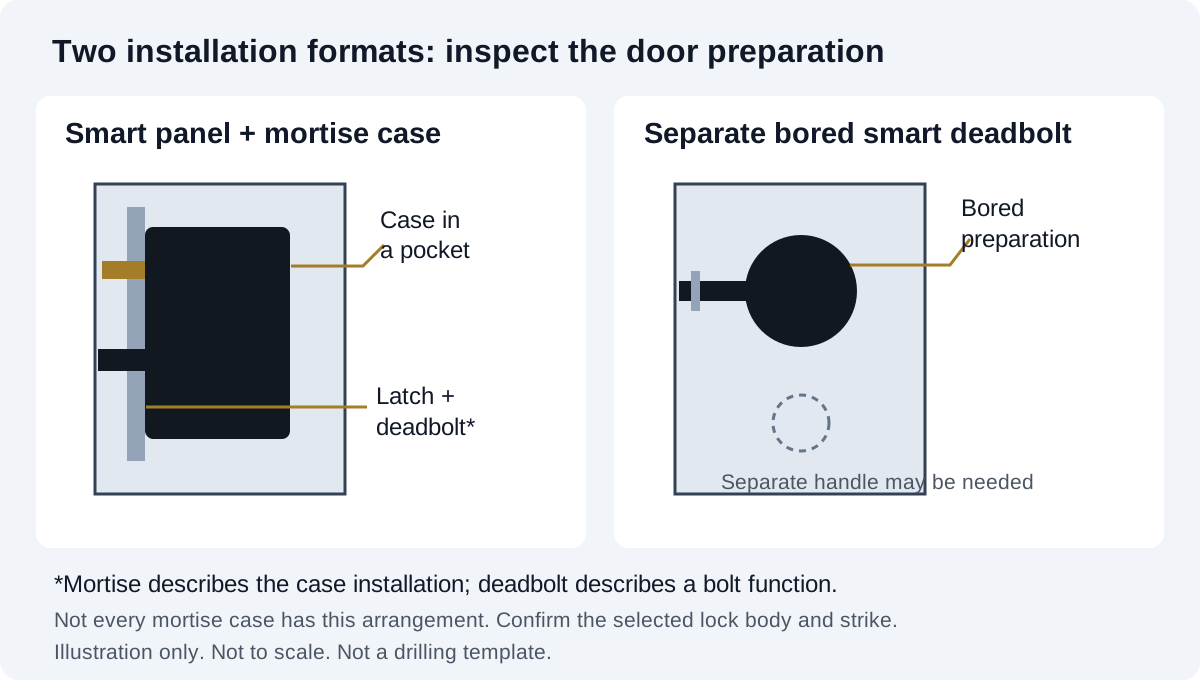
Mortise vs Deadbolt Smart Locks: Door-Fit Guide
Understand mortise lock cases, separate smart deadbolts and existing door preparation. Compare installation formats before choosing a replacement lock.
Oct 30, 2026
Need supplier support?
Discuss your smart lock OEM/ODM project with GwayLock
Send us your target market, door type, preferred app platform and customization needs. Our team will help you evaluate suitable models and prepare a practical quotation.