Technology
Do Smart Locks Work Without Wi-Fi or Power?
By GwayLock · Published
Separate a Wi-Fi outage, a household power cut and an empty lock battery. Learn what to check for local access, remote functions and emergency entry.
A smart lock losing its internet connection is different from a smart lock losing battery power. Many battery-powered models can authenticate a stored local credential while offline, but that behavior must be confirmed for the chosen hardware, firmware and credential. Remote app control is a separate question.
Start with three checks: does the lock itself have power, does the access method need a network, and what documented backup is available? This guide explains the distinctions; it does not promise identical offline behavior across GwayLock's different app versions.
Three outages with different consequences
Use this checklist when a customer says the lock is offline. A working keypad does not prove that a gateway or cloud service is working, and an app warning alone does not establish a mechanical fault.
On small screens, swipe across the table to compare all models.
| Situation | What to check | Do not assume |
|---|---|---|
| Internet or Wi-Fi unavailable | Stored local credentials; selected Bluetooth and app behavior | Remote unlock, new code delivery or notifications still work |
| Building mains power unavailable | Lock battery plus power to router, gateway or wired accessories | Every connected part has battery backup |
| Lock battery exhausted | Model-specific mechanical backup or approved external emergency power | Electronic credentials can operate an unpowered lock |
Local access and remote access are separate
A previously enrolled fingerprint, passcode or card may be processed by the lock rather than a cloud service. Ask whether that exact credential works offline, whether a newly issued credential must first synchronize, and how time-dependent access behaves without a connection. A temporary code label is not enough to answer these questions.
For Bluetooth versions, confirm the supported local app workflow and proximity requirements. For a gateway-dependent remote feature, check the lock-to-gateway connection as well as gateway power and internet. Do not treat Tuya or TTLock branding as proof of a particular network architecture.
What a household power cut changes
A battery-operated lock is not normally powered by the household socket used by its router. Schlage's own support material illustrates this distinction for its battery-operated residential products. For your selected GwayLock configuration, separately confirm the lock supply, any wired accessories and gateway requirements. Mains-powered access-control equipment needs its own documented outage plan.
What to do when the lock battery is empty
Keep the approved backup method accessible and follow the model manual. Some configurations include a mechanical key; others may specify an external emergency power connection. The connector, permitted supply and operating steps are model-specific. Do not attach an improvised supply or assume a USB-shaped port charges the internal battery.
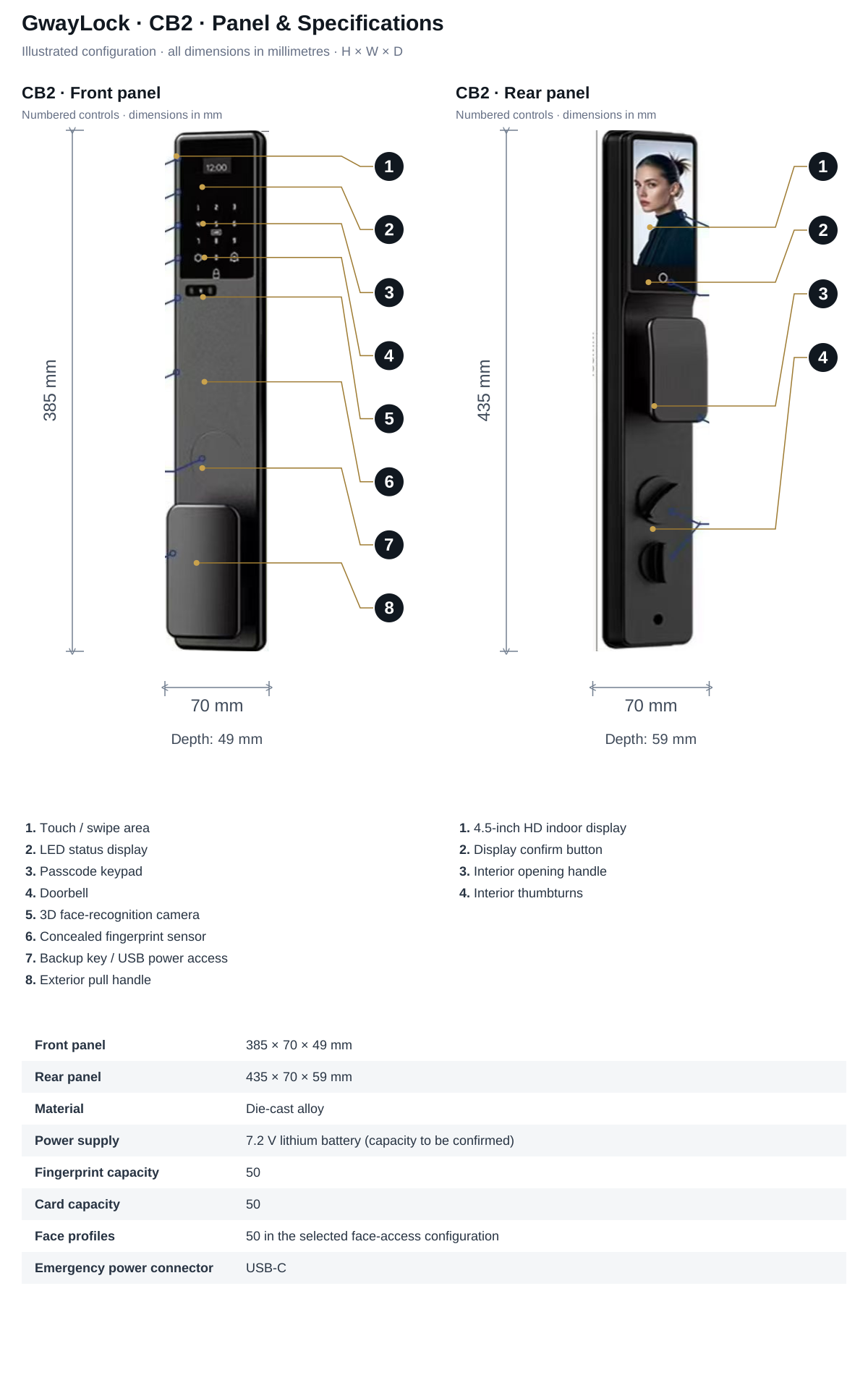
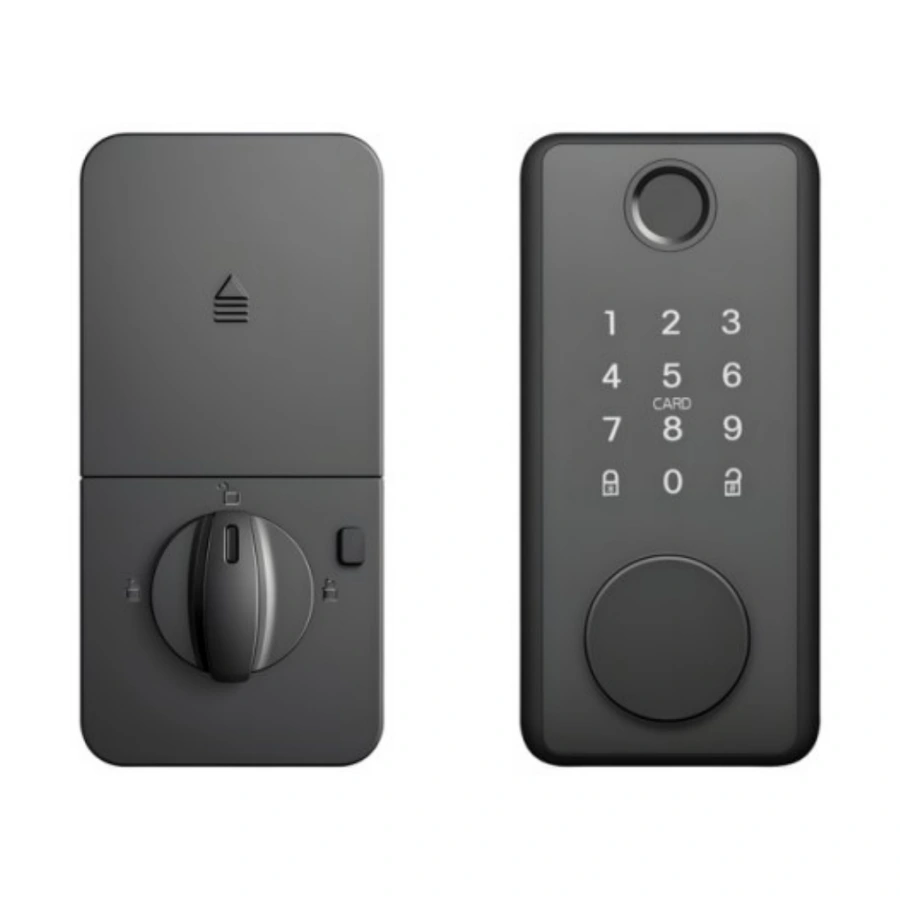
CB2's catalogue lists USB-C emergency power, while DS01 lists a four-AA supply. These are different pieces of information, not a shared recovery procedure. Confirm the exact sample's backup hardware and instructions. For a lockout, contact the supplier or a qualified locksmith; do not force the panel or attempt to bypass the lock.
Check outage behavior before a project order
Plan the checks on an authorized sample with the door open, following its manual and keeping backup access available. Record what happened instead of treating one successful unlock as a complete test.
- Record the model, selected app version, firmware if available and credential type.
- Check approved local access with internet unavailable; reconnect and check synchronization.
- Check gateway-dependent functions separately from direct local access.
- Review low-battery indications and the documented recovery method without creating an unsafe lockout.
- Confirm the inside opening method and applicable project requirements before deployment.
Turn the result into clear customer instructions
A useful handover explains which functions work locally, what depends on a powered gateway or internet connection, where approved spare batteries are kept and whom to contact for support. Keep those instructions with the chosen version's manual, not just a generic smart-lock brochure.
Sources and scope
Product information follows the referenced catalogue pages. Confirm the selected configuration and installation before ordering.
External references explain general principles, test scopes or products from other manufacturers. They do not establish performance, compatibility or certification for the selected GwayLock model.
FAQ
Frequently Asked Questions
Does losing Wi-Fi mean the smart lock cannot open?
Not necessarily. Separate the lock's battery from network-dependent features. Confirm which previously enrolled credentials work locally on the selected hardware and firmware, and test remote functions separately.
Does emergency USB power recharge the lock battery?
Not necessarily. Emergency power and charging are different functions. Confirm the exact port, permitted supply and documented procedure; do not assume a USB connector charges internal cells.
Keep reading
Related Articles
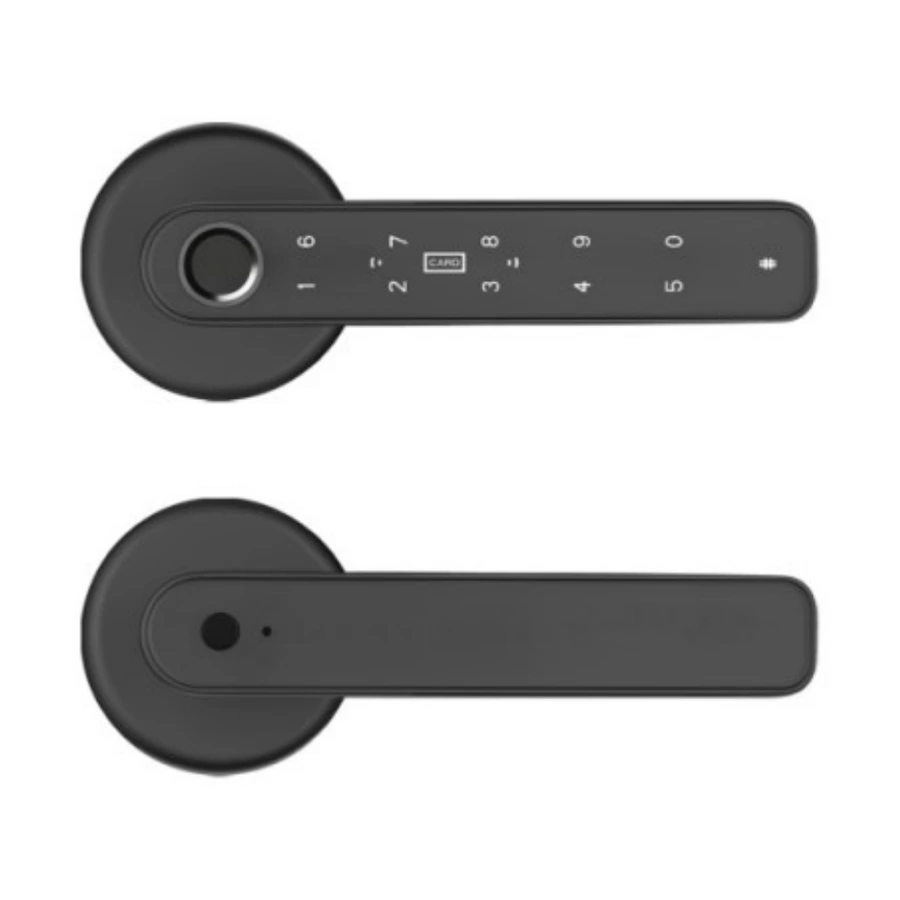
AA Batteries vs Rechargeable Smart Lock Batteries
Compare replaceable alkaline cells and specified rechargeable lithium packs. Check battery chemistry, approved charging, emergency power and maintenance before choosing a lock.
Oct 30, 2026
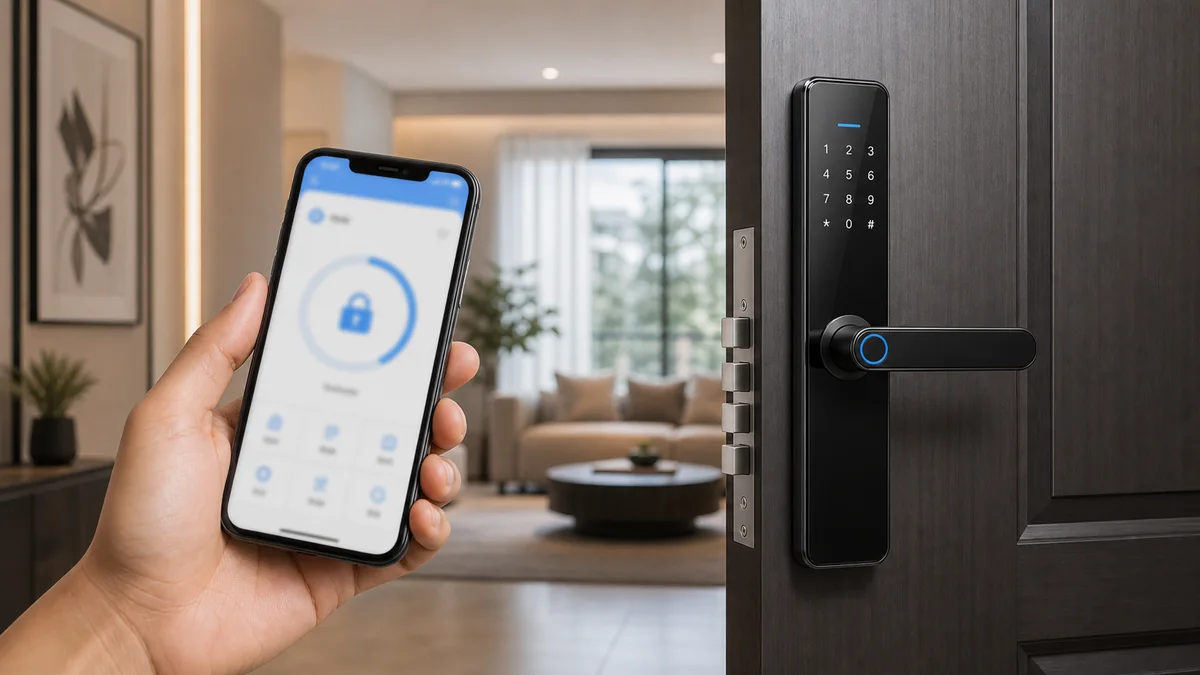
Wi-Fi vs Bluetooth Smart Locks: Which Is Better?
Compare Wi-Fi and Bluetooth smart locks by remote access, cost, installation and project requirements.
Jun 14, 2026
Tuya, TTLock and Gateway Testing Guide for Smart Lock Importers
Check Tuya, TTLock and gateway requirements on the exact smart lock version. Compare 196, DS01, CB1 and S9 labels and use a practical remote-access test record.
Jun 22, 2026
Need supplier support?
Discuss your smart lock OEM/ODM project with GwayLock
Send us your target market, door type, preferred app platform and customization needs. Our team will help you evaluate suitable models and prepare a practical quotation.