Technology
Tuya, TTLock and Gateway Testing Guide for Smart Lock Importers
By GwayLock · Published · Updated
Check Tuya, TTLock and gateway requirements on the exact smart lock version. Compare 196, DS01, CB1 and S9 labels and use a practical remote-access test record.
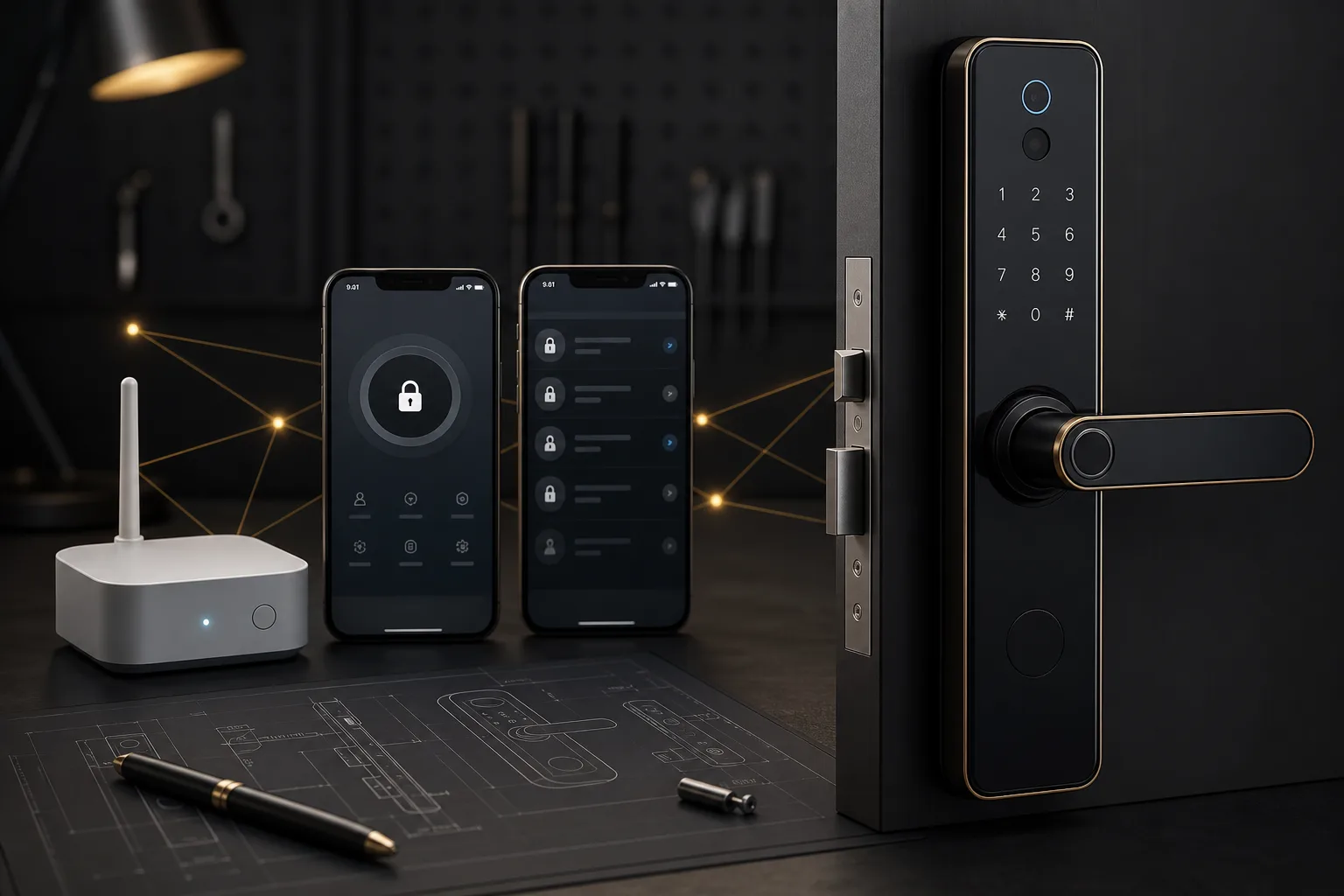
An app-platform label does not establish remote unlocking. For a Tuya or TTLock smart lock, confirm the exact hardware version, wireless connection, gateway requirement and enabled functions, then test the supplied sample in the intended network setup.
Several platform labels on one model page describe separate order configurations. They do not mean that one lock works with every app, or that a Bluetooth version has direct Wi-Fi. This guide separates the current catalogue labels from the functions buyers still need to verify.
Read the actual model labels before selecting an app
The 196 and DS01 list several configuration choices; CB1 lists Tuya and TTLock separately. S9 does not name its app platform in the source record. The DS01 'Standalone (Wi-Fi)' label and T3 option require clarification and should not be presented as a confirmed Tuya direct-Wi-Fi version.
On small screens, swipe across the table to compare all models.
| Model | Published app / version labels | What to confirm on the sample |
|---|---|---|
| 196 | Standalone / Tuya (Bluetooth) / TTLock. Select one configuration; availability must be confirmed. | Choose one version and confirm wireless setup, gateway needs and enabled app functions. |
| DS01 | Standalone (Wi-Fi; confirm configuration) / Tuya (Bluetooth) / TTLock / T3 configuration (confirm specification). Select one configuration; availability must be confirmed. | Choose one version; clarify Standalone Wi-Fi and T3 labels, then test its actual network and gateway setup. |
| CB1 | Tuya / TTLock. Select one configuration; availability and functions must be confirmed. | Choose one version and confirm wireless setup, gateway needs and enabled app functions. |
| S9 | App platform to be confirmed for the selected version | App identity, wireless connection and supported functions are unspecified in the source. |
Keep a local and remote function test record
Agree the required functions before buying the sample. Record the lock's model and revision, firmware identifier if available, app name and version, phone operating system and gateway model. Test local operation separately from access over the internet. The following is a proposed buyer test plan, not a claim that every function is supported or has already passed.
On small screens, swipe across the table to compare all models.
| Check | Setup to record | Evidence to keep |
|---|---|---|
| Pairing and administrator setup | Selected app, phone OS, lock firmware and reset state | Pairing result and account ownership steps |
| Local access | Phone near the lock; identify the connection used | Which approved credentials work and what requires the app |
| Remote access, if ordered | Phone away from the lock on mobile data; record gateway and internet setup | Which remote commands and notifications actually work |
| Temporary credentials, if supported | Creation time, valid period and connection conditions | Expected versus observed validity and revocation behavior |
| Connection loss and recovery | Separate gateway power loss and internet loss; retain backup access | Local behavior, reconnection and any action required |
| Handover and reset | Remove test users and transfer or reset ownership as instructed | Approved installation, pairing and support instructions |
Quote gateway hardware and ongoing requirements separately
Ask whether the proposed gateway is included, which lock version it supports, its power and network requirements, and how many installed doors the supplier has validated for the intended layout. Confirm any app, cloud, integration or account charges in writing if those services are part of your project. Keep approved screenshots and instructions with the sample record; do not promise remote features solely from a platform name.
Do not choose an app platform only by name
Tuya and TTLock are both widely used, but they fit different scenarios. The right choice depends on your target users, sales channel, installation environment and after-sales capability.
- Tuya is often practical for smart home channels and multi-device ecosystems.
- TTLock is often practical for apartments, rentals and access management scenarios.
- Wi-Fi models can support direct remote access but may use more power.
- Bluetooth models are often stable for local access but may need a gateway for remote features.
- Some models use a product-specific app and should be tested carefully before adoption.
Gateway testing matters
A gateway can be useful, but it also adds another point of failure. Buyers should test gateway distance, wall interference, app setup and user instructions before confirming a model.
- Confirm which gateway model matches the lock.
- Test the gateway in a real apartment, office or hotel-like environment.
- Check whether remote unlock, temporary codes and status updates work as expected.
- Test what happens if Wi-Fi is unstable or the gateway loses power.
- Confirm whether each lock needs a gateway or whether one gateway can support multiple locks.
App workflow checklist
A sample is not approved until the app workflow is approved. The people who will support the product should test it, not only the purchasing team.
- Account registration and login.
- Lock pairing and reset process.
- Adding and deleting users.
- Temporary passcodes and one-time passcodes if available.
- Card or fingerprint enrollment process.
- Language support and translation clarity.
- Gateway pairing and remote access behavior.
- Factory reset and ownership transfer.
Common mistakes buyers make
A common mistake is assuming all app functions work the same on every model. Another mistake is testing the app only once in the supplier showroom. Real users may use different phones, routers, gateways and door environments.
- Do not assume Tuya and TTLock can be used interchangeably on one model.
- Do not promise remote access before testing gateway requirements.
- Do not ignore app language and support documentation.
- Do not approve a sample if reset and re-pairing steps are unclear.
Sources and scope
Product information follows the referenced catalogue pages. Confirm the selected configuration and installation before ordering.
FAQ
Frequently Asked Questions
Should importers choose Tuya or TTLock smart locks?
Tuya is often suitable for smart home ecosystems, while TTLock is often suitable for apartment, rental and access management scenarios. The best option depends on target users and support workflow.
Do smart locks need a gateway for remote access?
Some Bluetooth smart locks need a gateway for remote functions. Wi-Fi models may support direct remote access, but buyers should test battery impact, setup steps and signal stability.
What app functions should be tested before bulk orders?
Test account registration, pairing, reset, user management, temporary codes, card or fingerprint enrollment, gateway setup, remote access and language support.
Explore related smart lock platforms
Review the selection guide and model specifications for each lock type before requesting samples.
Keep reading
Related Articles
Tuya vs TTLock Smart Locks: Key Differences for Importers
A buyer-friendly comparison of Tuya and TTLock smart lock ecosystems for different B2B markets.
Jun 16, 2026
Why Smart Lock Battery Life Fails: What B2B Buyers Should Check
Battery complaints can damage a smart lock brand quickly. Learn what importers and distributors should check before sample approval and bulk orders.
Jun 22, 2026
Smart Lock OEM & ODM Guide for Brands and Importers
Plan a smart lock OEM or ODM order with current model comparisons, branding scope, sample approval, QA/QC and a clear quotation record for repeat supply.
Jun 22, 2026
Need supplier support?
Discuss your smart lock OEM/ODM project with GwayLock
Send us your target market, door type, preferred app platform and customization needs. Our team will help you evaluate suitable models and prepare a practical quotation.