Buying Guide
Wi-Fi vs Bluetooth Smart Locks: Which Is Better?
Jun 14, 2026
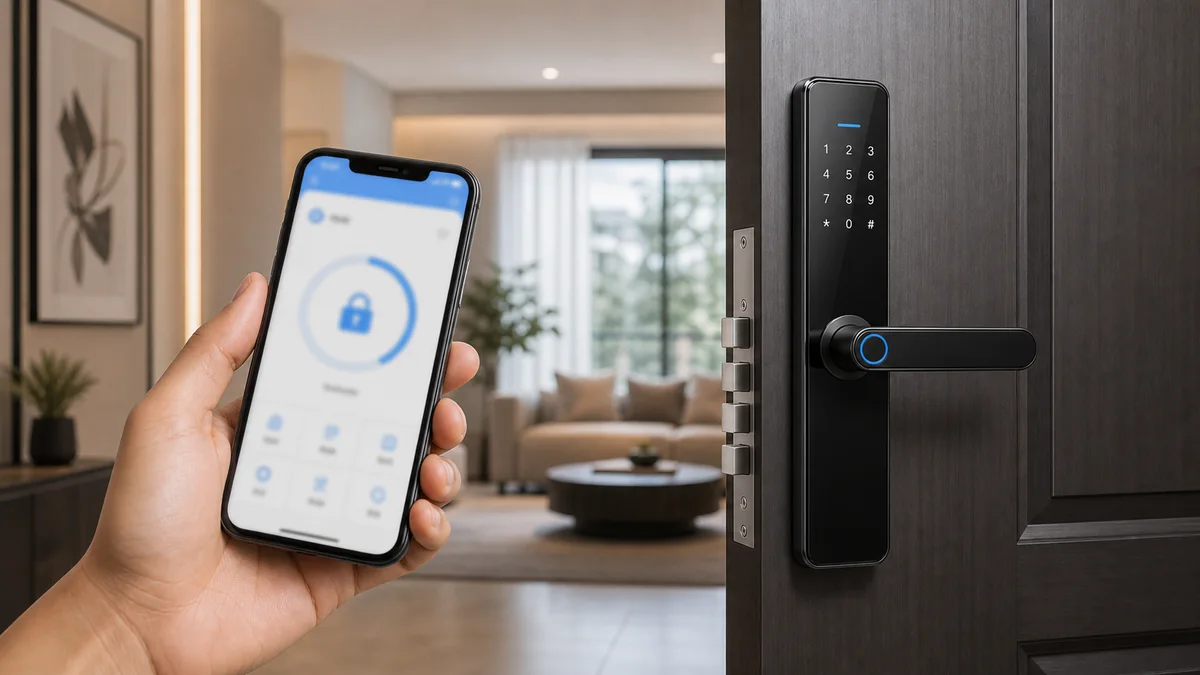
Wi-Fi and Bluetooth smart locks are both popular, but they solve different problems. For B2B buyers, the better choice depends on installation environment, user behavior, remote access needs, battery expectations and target price.
A product that works well for a retail smart home customer may not be the best option for an apartment project with hundreds of doors. This is why buyers should compare technologies based on the real application scenario.
Wi-Fi smart locks support direct remote access
Wi-Fi models are attractive when users need remote unlocking, real-time alerts, app control from outside the property or smart home integration. They are easy to explain in retail channels because many consumers already understand Wi-Fi-connected devices.
- Suitable for consumer smart home products.
- Useful for remote alerts and app control.
- May require stronger battery management.
- Depends on stable network conditions.
Bluetooth smart locks keep setup simple
Bluetooth models are often used for local access management. They can be suitable for apartments, rental properties, offices and cost-sensitive projects. Setup can be simple, and power consumption is often easier to manage than always-connected Wi-Fi products.
Gateway-based solutions can balance both needs
Some Bluetooth smart locks can support remote functions through a gateway. This gives buyers a flexible option: the lock itself uses Bluetooth, while the gateway enables certain remote features. However, the buyer must confirm connection distance, gateway quantity, installation position and app compatibility.
Choose by user workflow, not by buzzword
The right technology depends on what users actually need to do. If remote access is central to the selling point, Wi-Fi or gateway support may be important. If users mainly unlock locally and manage access nearby, Bluetooth may be enough.
Sample testing checklist
Before bulk purchase, buyers should test both options in a real environment instead of relying only on specifications.
- Pairing speed and app setup steps.
- Remote access or gateway performance.
- Battery installation and low-battery warning.
- Unlocking speed and failure recovery.
- User manual clarity for the target market.
Cost and after-sales considerations
Wi-Fi models may be easier to market because remote access is a simple selling point. However, if the network is unstable or users do not understand setup, after-sales questions can increase. Bluetooth models may have fewer network-related problems, but customers must understand the range and local access limitations.
For project buyers, the total cost is not only the lock price. It also includes installation time, support training, gateways if needed, spare parts and the cost of handling user questions after delivery.
Recommended decision process
Start by writing down the real user workflow. Who creates access? Does the user need remote unlocking? Is the property managed by one administrator or many users? After these questions are clear, test one Wi-Fi sample and one Bluetooth or gateway-supported sample before selecting the final model.
Conclusion
Wi-Fi smart locks are strong when remote access is a key requirement. Bluetooth smart locks are practical when local access management, cost control and battery life matter more. For many B2B projects, the best solution is selected after sample testing in the actual installation scenario.
FAQ
Frequently Asked Questions
Are Wi-Fi smart locks better than Bluetooth smart locks?
Wi-Fi smart locks are better when direct remote access is important. Bluetooth smart locks can be better for local access, battery management and cost-sensitive projects.
Can Bluetooth smart locks support remote access?
Some Bluetooth locks can support remote functions through a gateway. The buyer should confirm gateway compatibility, connection range and app behavior before ordering.
Which option is better for apartment projects?
Bluetooth or gateway-based solutions are often practical for apartment projects, but the final choice depends on management workflow, remote access needs and installation environment.
Keep reading
Related Articles
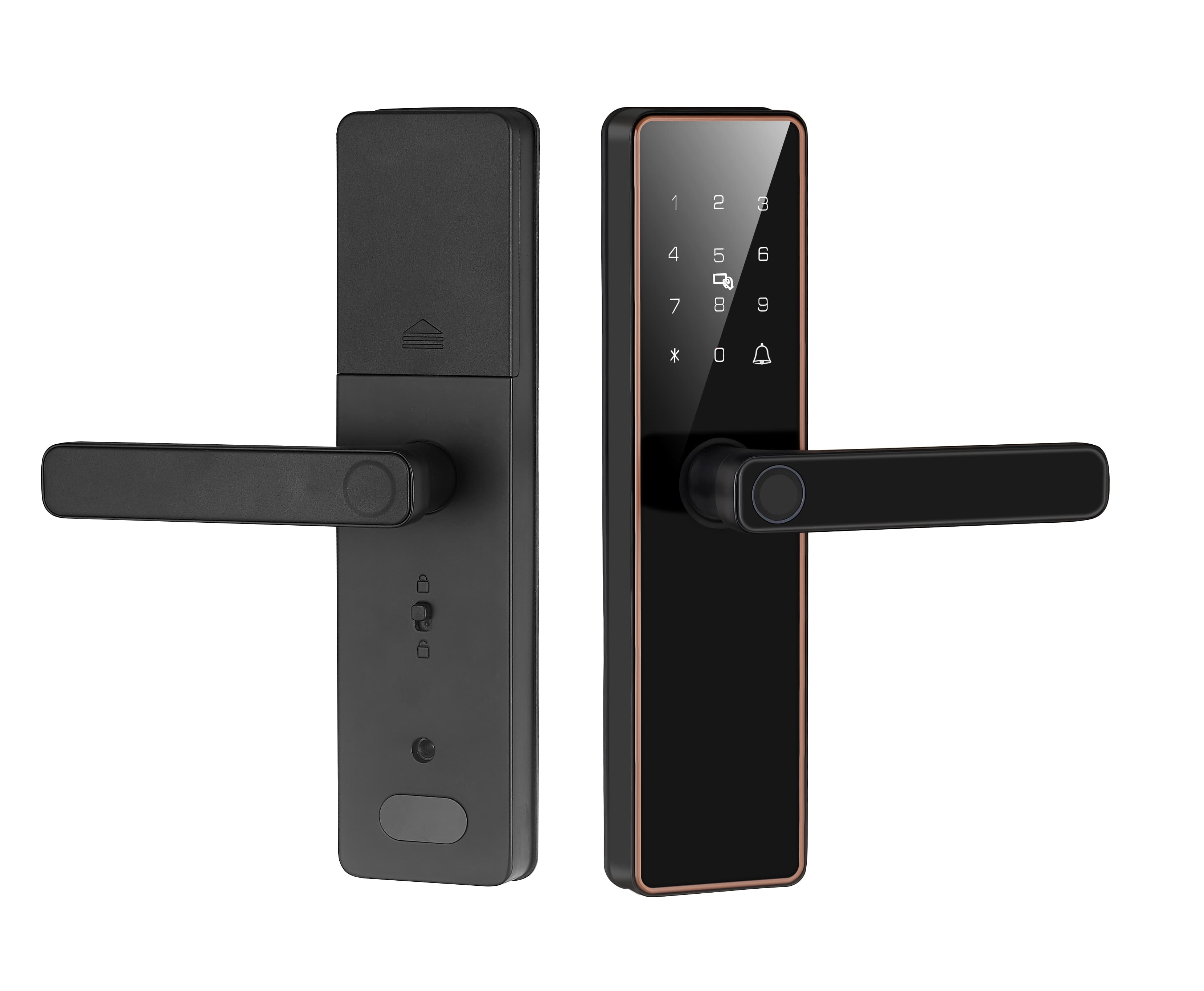
Fingerprint Smart Locks: What Buyers Should Know Before Importing
A practical guide for importers evaluating fingerprint smart locks for retail, residential and project channels.
May 30, 2026
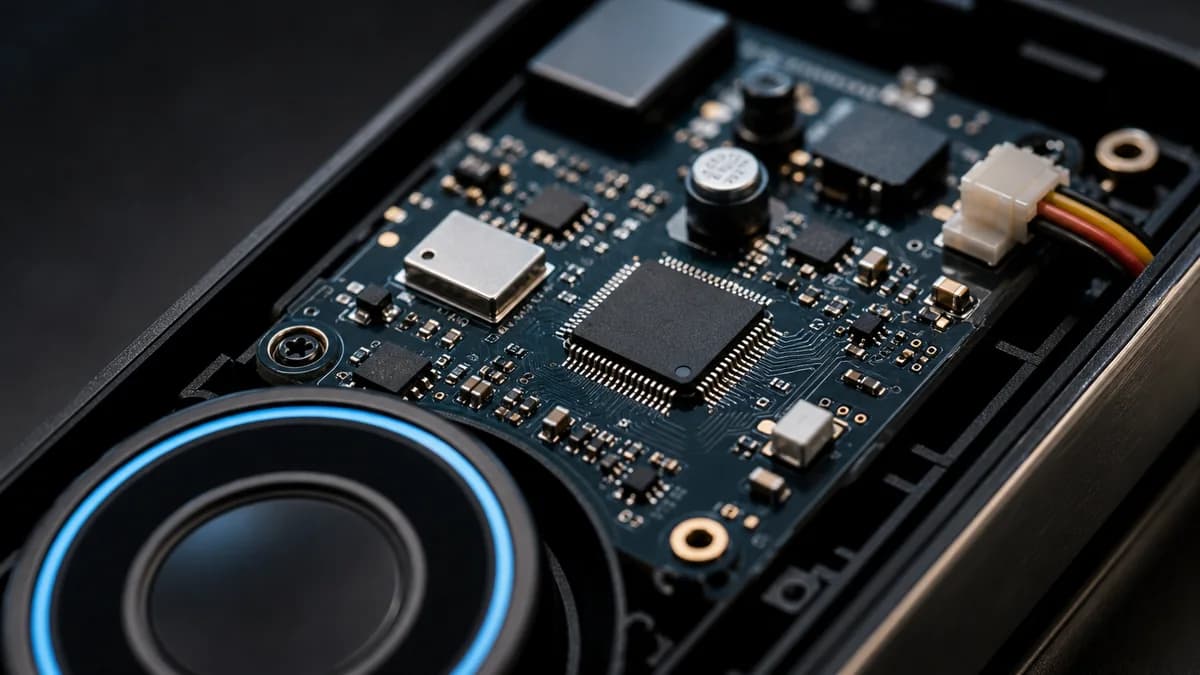
Tuya vs TTLock Smart Locks: Key Differences for Importers
A buyer-friendly comparison of Tuya and TTLock smart lock ecosystems for different B2B markets.
Jun 16, 2026
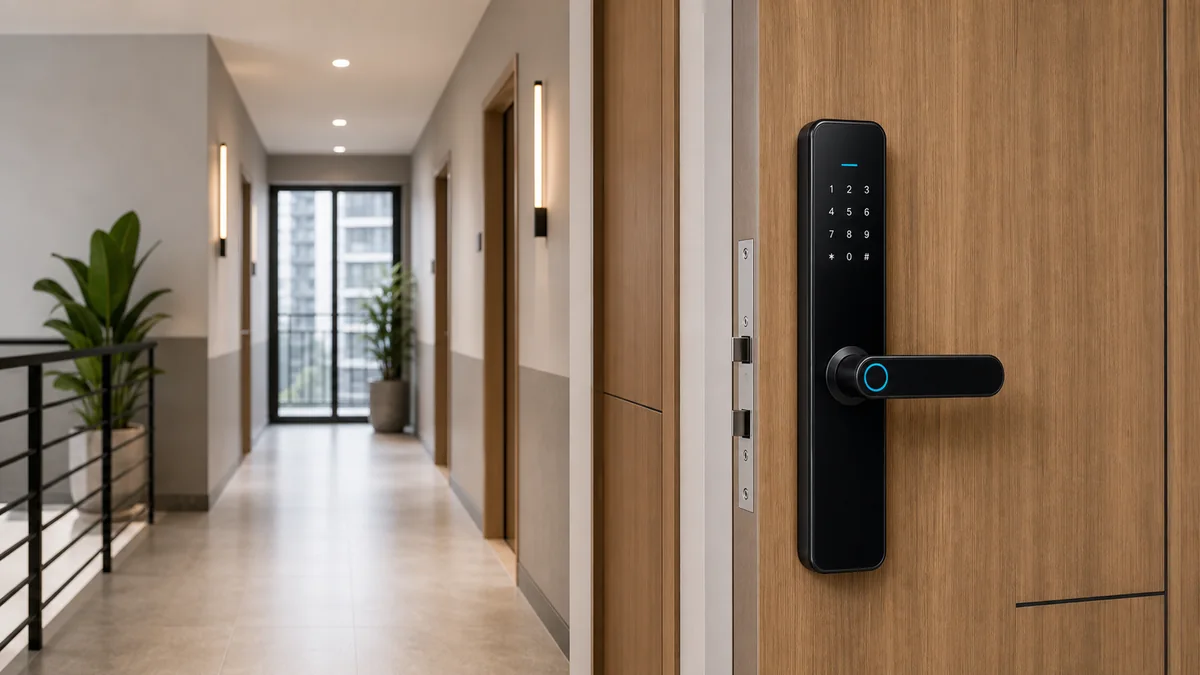
Best Smart Lock Solutions for Apartments
Key factors for choosing smart lock systems for apartments, rental properties and multi-unit projects.
Jun 6, 2026
Need supplier support?
Discuss your smart lock OEM/ODM project with GwayLock
Send us your target market, door type, preferred app platform and customization needs. Our team will help you evaluate suitable models and prepare a practical quotation.
