Technology
Face Recognition vs Fingerprint Smart Locks
By GwayLock · Published
Compare contactless face access and fingerprint access by installation, users and backup methods. Learn what to verify beyond a 3D face-recognition label.
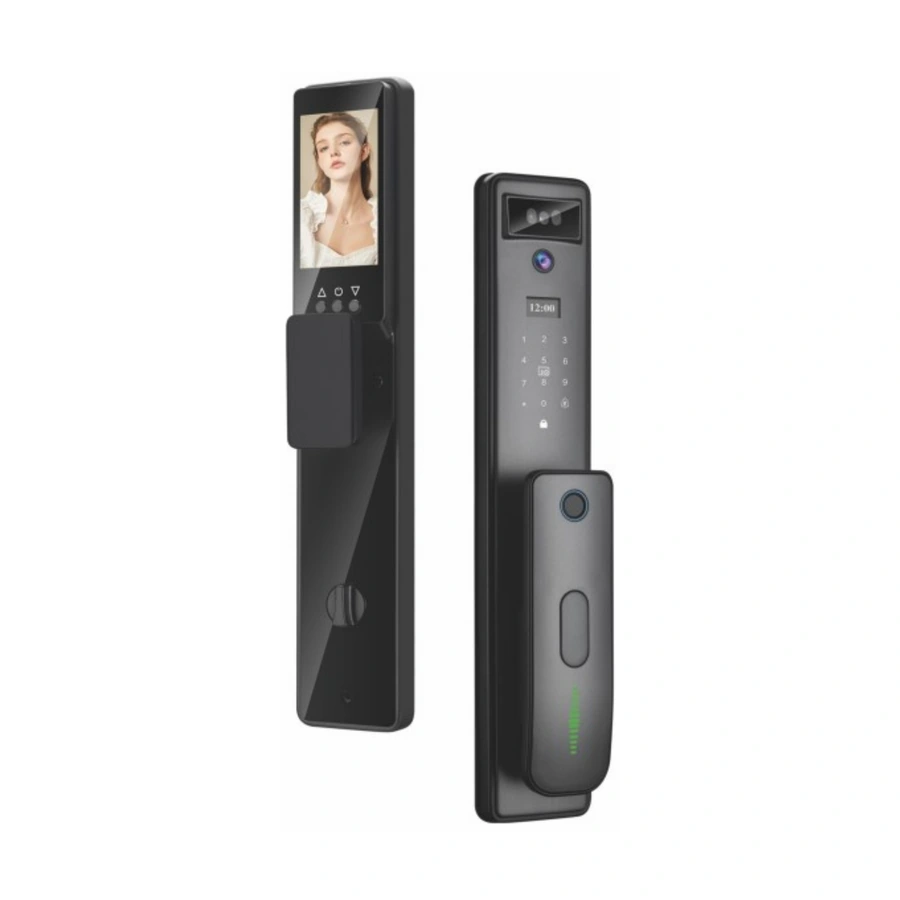
Face recognition can offer contactless authentication, while fingerprint access asks the user to present a registered finger to a sensor. Neither description establishes that a particular lock is more secure, faster or suitable for every user. Compare the selected device, installation and operating policy.
For an OEM range, choose around the intended users and door environment. Then verify the hardware and firmware on a sample. A camera, indoor video screen or face icon does not by itself establish 3D recognition or presentation-attack resistance.
Compare everyday access requirements
Start with how people approach the door, how credentials are enrolled and what alternative access is available. The following are questions to evaluate, not measured results for GwayLock models.
On small screens, swipe across the table to compare all models.
| Question | Face access | Fingerprint access |
|---|---|---|
| User action | Check recognition position, distance and approach | Check sensor position and supported enrolment procedure |
| Environment | Evaluate expected lighting and background conditions | Evaluate the manufacturer's permitted finger/sensor conditions |
| User range | Check mounting height and the intended user group | Check reach, enrolment and the intended user group |
| Access policy | Confirm local processing, storage and supported controls | Confirm local processing, storage and supported controls |
| Fallback | Confirm another approved credential or backup | Confirm another approved credential or backup |
Image and sample quality matter
NIST's biometric-quality work explains that capture quality and recognition performance are related, and that recognition errors remain possible. Its lighting guidance also highlights the challenges of bright, dim and mixed-light scenes. These are reasons to test the actual doorway; NIST's research is not a performance evaluation or endorsement of these smart locks.
Ask what the 3D label actually means
Request identification of the face-access hardware, supported operating conditions and relevant test evidence for the selected configuration. Ask how the supplier evaluated recognition failures and inappropriate acceptance, using an agreed lawful test plan. Do not replace evidence with an unqualified claim such as impossible to spoof or 100% accurate. Avoid conducting improvised attack tests on an occupied or unauthorized installation.
Separate catalogue models and optional versions
H-03 is listed as a 3D face-recognition model with a catalogue capacity of 20 face groups and an indoor display. The 196 handle-lock record instead lists fingerprint, passcode, card and mechanical-key access. These examples illustrate different access platforms, not a controlled head-to-head performance test.
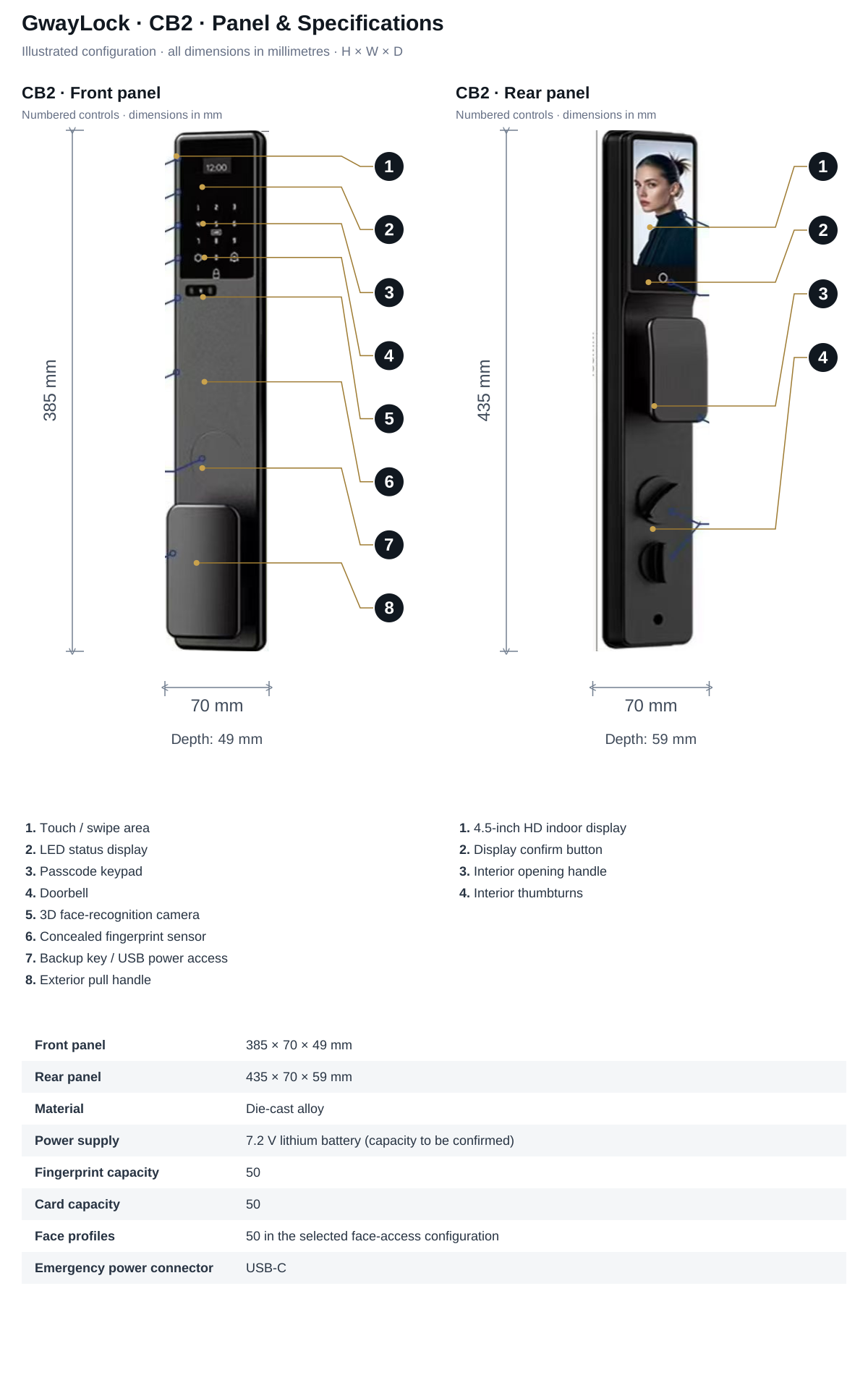
CB2 lists face recognition as an optional configuration. A CB2 inquiry should specify whether face access is required and confirm the corresponding hardware. Do not transfer H-03's face capacity or 196's fingerprint capacity to another model.
Plan enrolment, removal and fallback
Ask where templates are processed and stored, who can enrol or delete a user, and how removal is confirmed. Define guest and staff access, administrator responsibility and the response to a failed recognition. Review applicable privacy and project requirements with the responsible team rather than assuming that a biometric feature is automatically suitable for every site.
Write a sample acceptance record
Record the exact version, installation position, lighting, user group and the observed outcomes of agreed enrolment and access checks. Keep functional observations separate from security claims. Include backup access and a support path so a user is not dependent on one biometric method alone.
Sources and scope
Product information follows the referenced catalogue pages. Confirm the selected configuration and installation before ordering.
External references explain general principles, test scopes or products from other manufacturers. They do not establish performance, compatibility or certification for the selected GwayLock model.
FAQ
Frequently Asked Questions
Is face recognition always more accurate or secure than fingerprint access?
No universal conclusion follows from the access-method label. Evaluate the selected hardware, firmware, capture conditions, users and evidence. Confirm backup access and do not transfer a research result or another product's test rating to the selected lock.
Does every camera-equipped lock have 3D face recognition?
No. A camera or indoor video screen does not establish face authentication, 3D capture or presentation-attack resistance. Confirm the exact face-access hardware and selected configuration; CB2 lists face access as optional.
Explore related smart lock platforms
Review the selection guide and model specifications for each lock type before requesting samples.
Keep reading
Related Articles
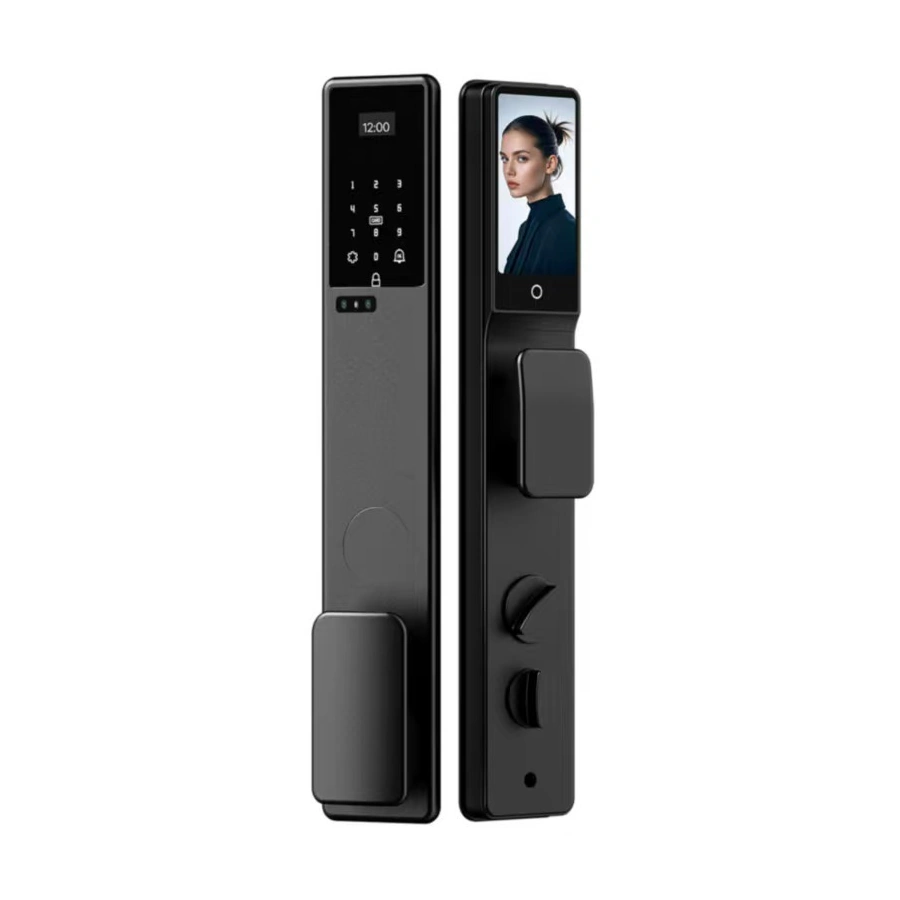
Fully Automatic vs Semi-Automatic Smart Locks
Compare motor-driven operation, user-operated handles and automatic relocking. Separate marketing labels from the actions a smart lock actually performs.
Oct 30, 2026
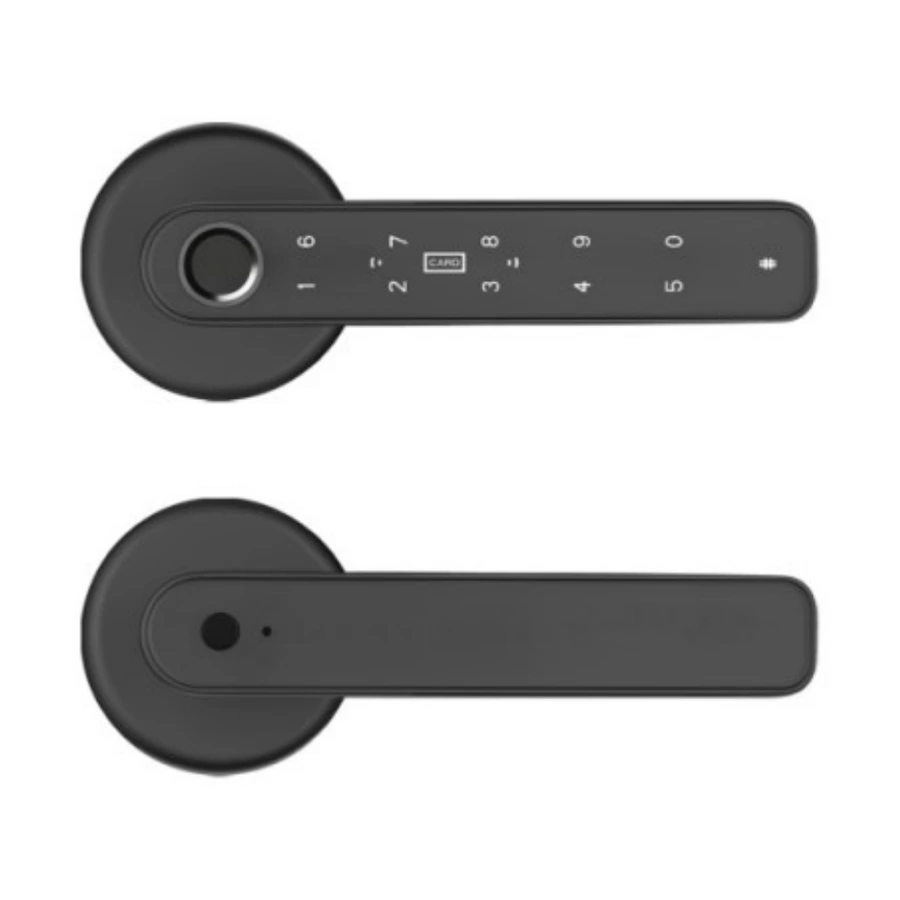
Fingerprint Smart Locks: What Buyers Should Know Before Importing
A practical guide for importers evaluating fingerprint smart locks for retail, residential and project channels.
May 30, 2026
How to Inspect Smart Lock Samples Before Bulk Orders
A sample inspection guide for buyers before confirming bulk smart lock production.
May 18, 2026
Need supplier support?
Discuss your smart lock OEM/ODM project with GwayLock
Send us your target market, door type, preferred app platform and customization needs. Our team will help you evaluate suitable models and prepare a practical quotation.