Quality Control
Outdoor Smart Lock Sample Approval: OEM Checklist
By GwayLock · Published
Use a proposed outdoor smart lock approval worksheet to record sample configuration, door fit, app functions, protection evidence and buyer sign-off.
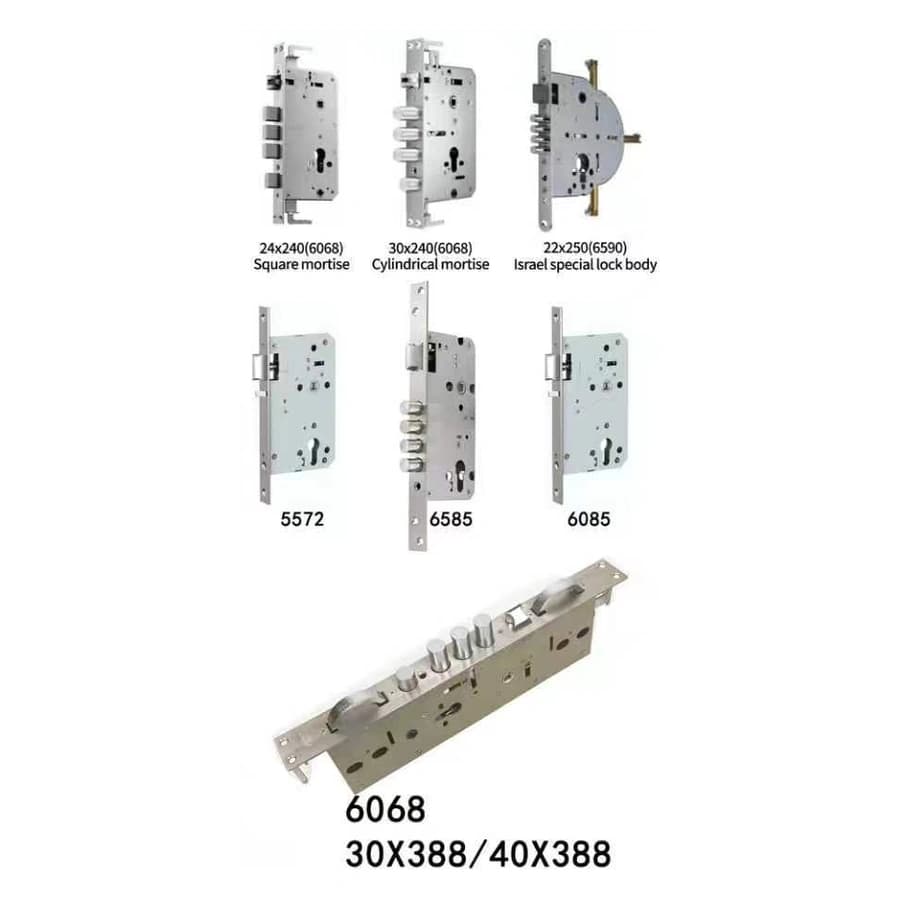
An outdoor smart lock sample is useful only when buyers can identify what they received and what they agreed to approve. This proposed worksheet helps an OEM buyer, supplier and installer keep one configuration record from sample delivery through the bulk-order decision.
This is an approval plan, not a completed GwayLock factory test report. It contains no measured results, inspection photographs or claims that a sample has passed. Fill in the records for your actual sample and agree on acceptance criteria before the evaluation begins.
1. Freeze the sample configuration
Give each sample an identifier and record its model, supplier reference, delivery date and intended project. Attach the quotation and the supplier's specification revision. For CB1 or CB2, record one selected Tuya or TTLock configuration. For CB3, obtain the app platform in writing because its catalogue entry does not name it.
- Model, finish reference, app version, firmware reference if available and optional face-access selection.
- Supplied lock body, front and rear panels, battery pack, keys, cards and installation accessories.
- Requested logo, manual language, labels and packaging artwork revision.
- Sample photographs showing identification, received items and any visible damage.
2. Agree on criteria before recording results
Create one row per requirement with columns for requirement, agreed criterion, method or evidence, result, owner and disposition. Use specific project requirements rather than an undefined pass label. Set an agreed completion date for open questions and identify the person authorized to approve a change.
For example, the door-fit row can reference an approved door and mortise drawing; the app row can reference the agreed pairing and user-management workflow. Protection review can reference the required documents and their configuration match. Keep observation, supplier explanation and buyer decision in separate fields.
3. Check installation with the intended door
Ask a suitable installer to check dimensions, handing, mounting preparation, grip clearance, strike alignment and lock-body selection. CB1, CB2 and CB3 list 50–100 mm door thickness, but the panel dimensions still require confirmation. The shared catalogue lock-body options are choices to resolve, not a statement that every option is included.
- Reference the actual door measurements and approved installation instructions.
- Record the installed configuration and any proposed alteration for supplier review.
- Record observed locking, unlocking and door closure against the agreed criteria.
- List installer comments, corrective actions and the evidence needed for reapproval.
4. Record access, network and power behavior
Evaluate only the access methods and app functions agreed for the sample. Record enrollment, ordinary access, removal of a user and reset according to the supplier's instructions. Where remote unlock or video intercom is required, record the app, network and gateway configuration used. Keep screenshots or short recordings with the sample identifier.
Confirm the supplied 4200 mAh lithium-ion pack specification, charging instructions, low-battery indication and emergency-power arrangement before evaluating the agreed behavior. Record the starting conditions and observations. A short sample evaluation does not establish battery life, an enrollment limit or environmental durability; request separate evidence for any such requirement.
5. Review outdoor evidence and production documents
Attach the intended exposure description for both panels and the supplier's response. Request any model-specific protection reports and identify their scope, configuration and installation conditions. Keep absent IP ratings, temperature limits or other required evidence visible as open items. Use qualified evaluation support when a project requires testing beyond ordinary installation and operation.
- Match the model and selected options to the evidence supplied.
- Review manual, labels, accessory list and packing measurements for the approved version.
- Identify the reference sample and documentation retained by buyer and supplier.
- Ask how substitutions or configuration changes will be submitted for approval.
6. Sign the disposition and close the open items
Record an explicit disposition: approved, approved subject to listed actions, or revision required. Name the buyer, installer and supplier contacts responsible for each action and retain the dated sign-off. Link any replacement sample to the earlier findings. Approve the bulk-order specification only when the agreed conditions are closed or the authorized buyer has documented how remaining limitations will be handled.
Sources and scope
Product information follows the referenced catalogue pages. Confirm the selected configuration and installation before ordering.
FAQ
Frequently Asked Questions
Is this a record of completed GwayLock sample tests?
No. It is a proposed buyer approval worksheet. Populate it with the actual sample configuration, agreed criteria, observations, supporting documents and authorized sign-off.
What identifies an approved outdoor smart lock sample?
Use a sample identifier tied to the model, app version, finish, lock body, optional features, battery pack and documentation revision. Retain photographs and a dated approval record.
What happens when a sample changes after approval?
Record the proposed change, affected requirements and responsible reviewer. Ask for the evidence or replacement sample needed to approve the revised configuration before applying it to the bulk order.
Explore related smart lock platforms
Review the selection guide and model specifications for each lock type before requesting samples.
Keep reading
Related Articles
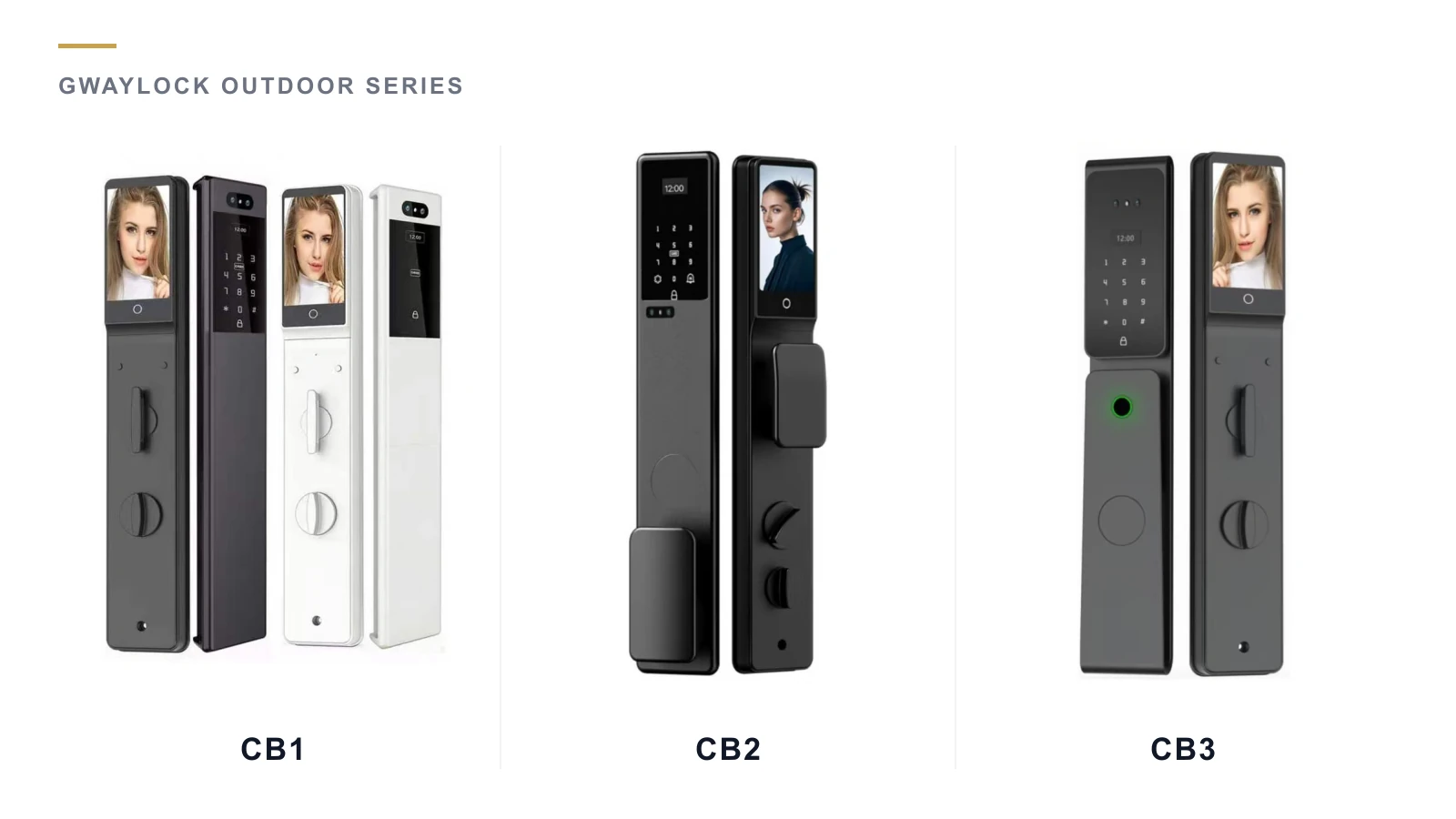
CB1 vs CB2 vs CB3: Outdoor Smart Lock Comparison
Compare documented CB1, CB2 and CB3 outdoor smart lock details, separate app options and missing specifications before selecting an OEM project sample.
Oct 15, 2026
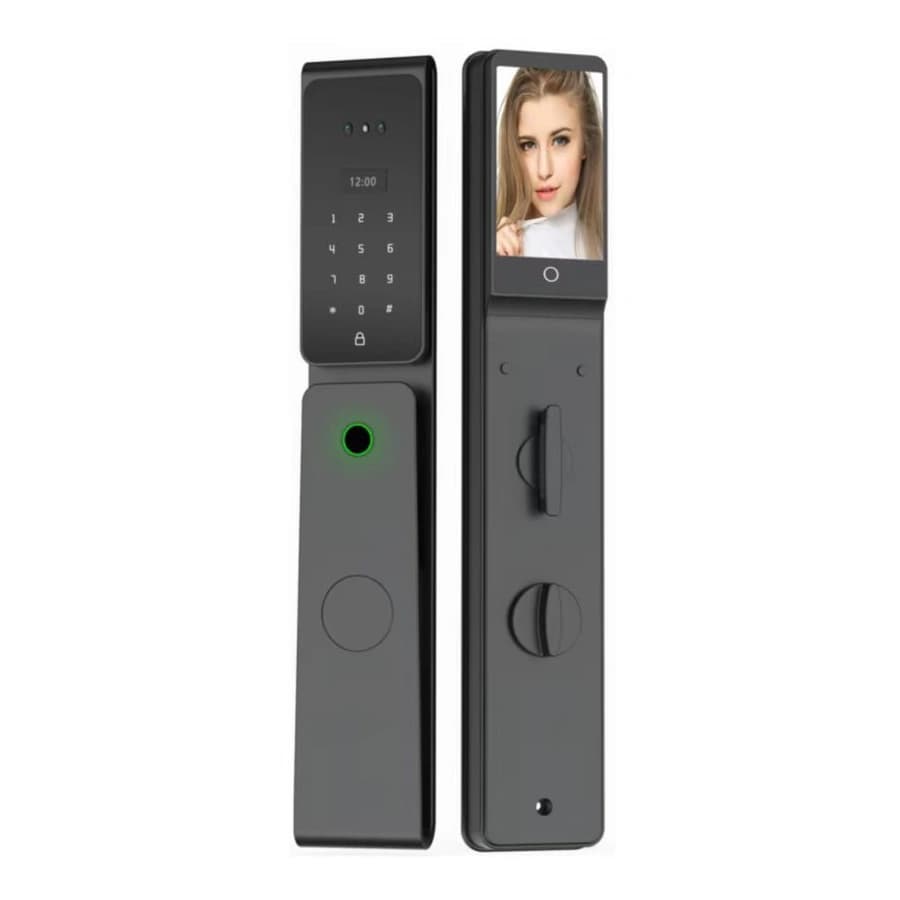
Double-Sided Outdoor Smart Locks: Buyer Checklist
Check exposure on both sides of an outdoor smart lock, request model-specific protection evidence and confirm door fit before approving an OEM sample.
Oct 15, 2026
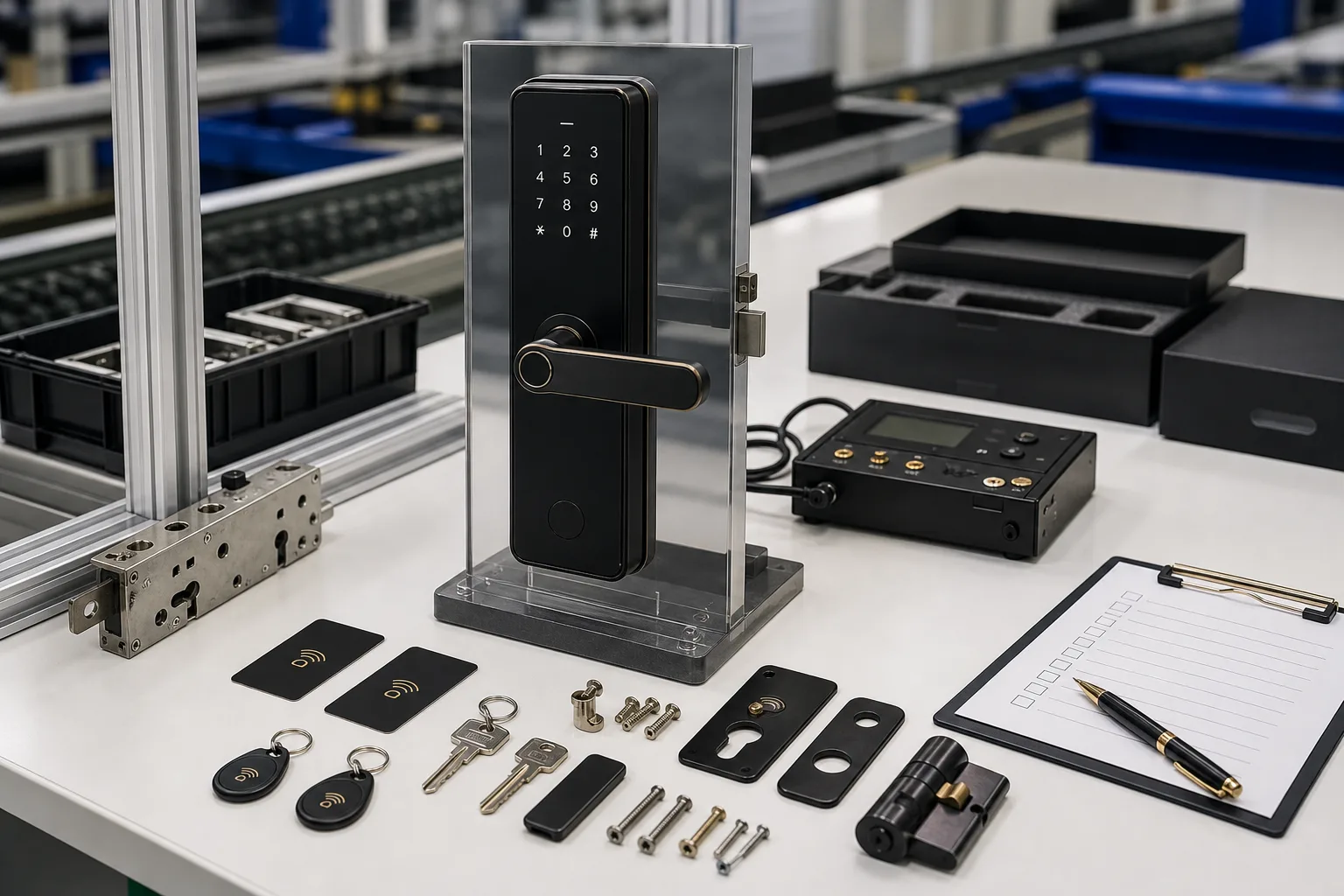
Smart Lock Sample Testing Checklist Before Mass Production
A practical sample testing checklist for importers and brands before confirming smart lock bulk production.
Jun 22, 2026
Need supplier support?
Discuss your smart lock OEM/ODM project with GwayLock
Send us your target market, door type, preferred app platform and customization needs. Our team will help you evaluate suitable models and prepare a practical quotation.
